
Download Krento – 3D menu, Windows utility, desktop enhancement, shortcut manager, productivity tool
Overview
Krento is a productivity-focused utility designed for Windows users aiming to enhance their desktop experience through a visually engaging interface. At its core, the app functions as a shortcut manager, offering a unique 3D circular menu that centralizes access to frequently used programs, files, and folders. This approach addresses the common issue of desktop clutter and inefficient navigation, particularly for users managing multiple applications simultaneously. By consolidating shortcuts into a dynamic, interactive layout, Krento streamlines workflow efficiency and reduces the time spent searching for essential tools.
The app targets individuals who value both functionality and aesthetics in their digital workspace—such as power users, remote workers, and multitaskers seeking a more intuitive desktop environment. Although the developer, Krento, did not provide additional background information, the app’s release date of April 15, 2016, indicates it has been in the market for several years, suggesting a stable and tested foundation. Real-world use cases include quick access to development tools, media applications, or project folders, especially in high-performance work environments where speed and clarity are critical.
Within the Windows productivity ecosystem, Krento fills a niche by offering a visually distinct alternative to traditional Start menus and taskbars. Its focus on customization and ease of access positions it as a valuable tool for users who want to personalize their desktop without sacrificing performance. While modern operating systems have evolved, Krento remains relevant for those who appreciate a tactile, interactive method of application navigation.
Key Features & Functionality
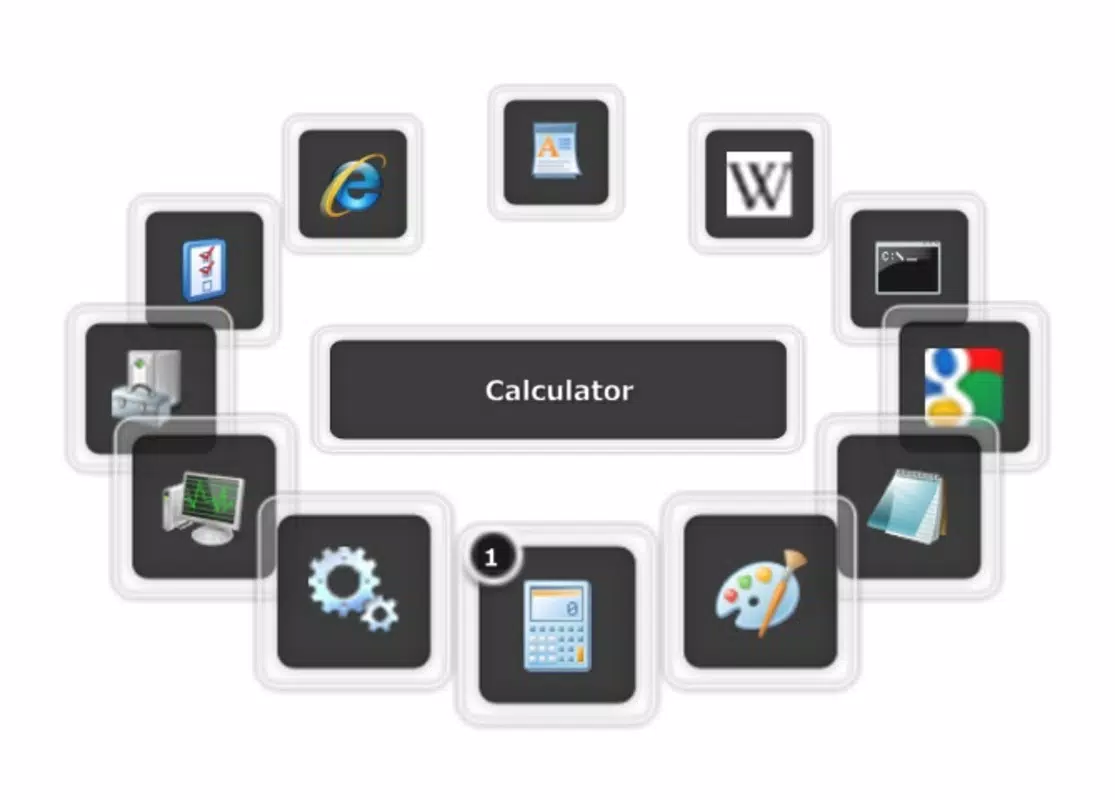
- Interactive 3D Menu: Krento presents a dynamic circular interface where shortcuts are arranged in a 3D ring. Users can rotate the menu using the mouse wheel or keyboard arrows, enabling smooth and intuitive navigation. This feature transforms routine access to applications into a more engaging experience, reducing cognitive load during task switching.
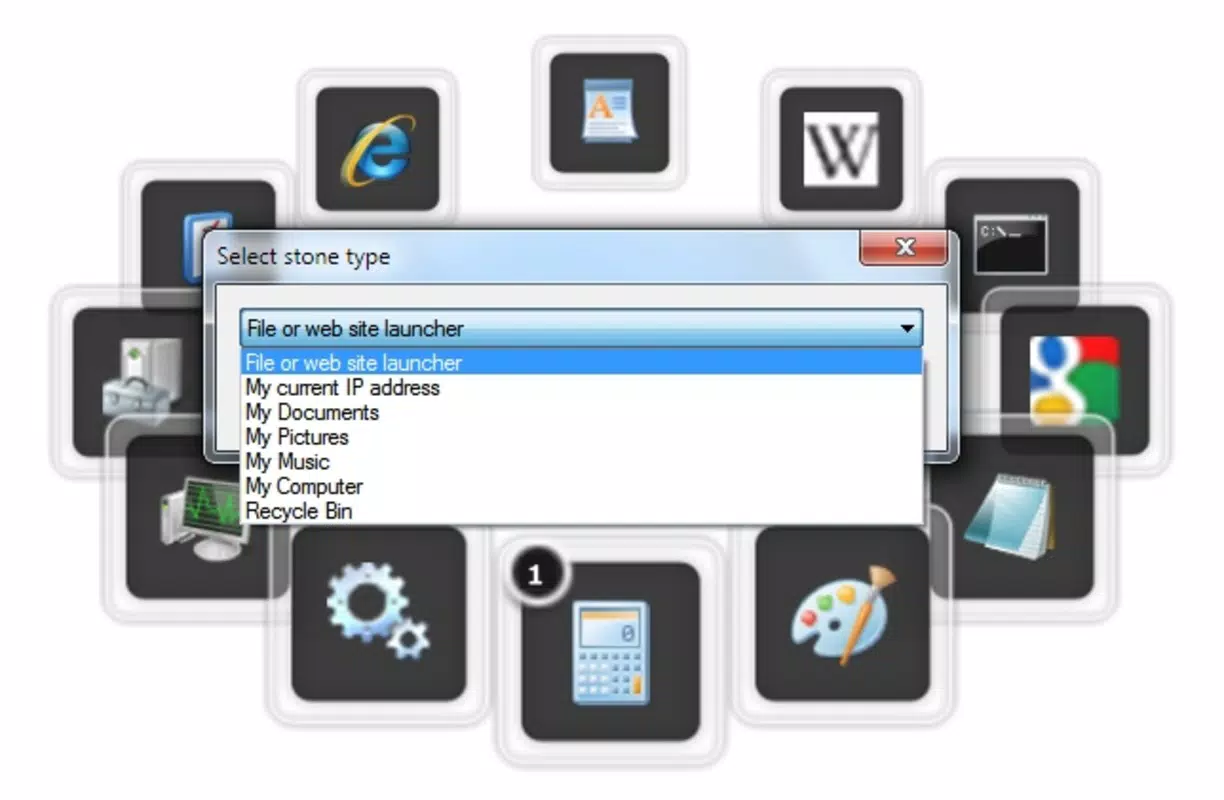
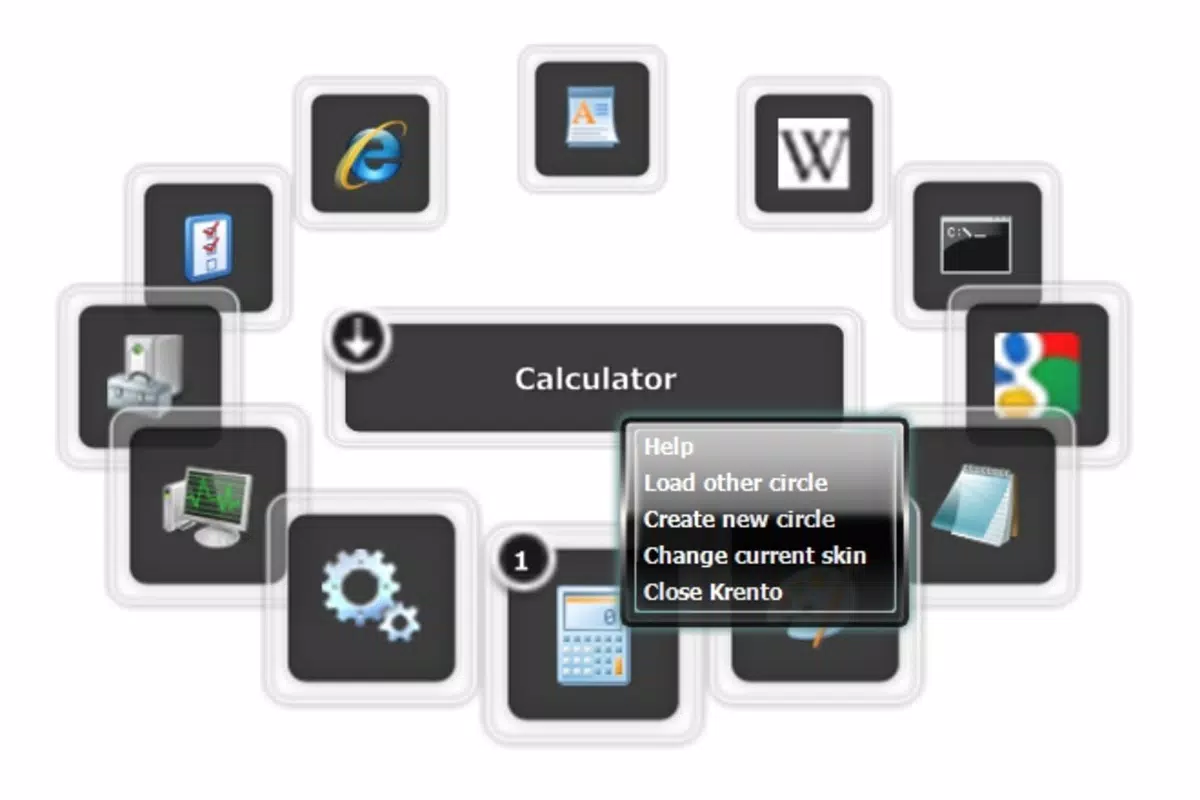
- Custom Shortcut Management: The app allows users to drag and drop programs, websites, or folders directly into the menu. Right-click context menus provide options to define shortcut types, enabling precise control over how each item behaves. This functionality supports personalized organization, such as grouping design tools or coding environments.
- Multiple Menu Support: Krento supports the creation of more than one circular menu, allowing users to categorize shortcuts by purpose or context—such as work, entertainment, or development. This feature enhances workflow segmentation, making it easier to switch between different modes of operation without visual or functional overlap.
- Customizable Appearance: Users can modify the visual style of the menu, including color schemes, transparency levels, and animation speed. This level of personalization ensures the interface aligns with individual aesthetic preferences, contributing to a more enjoyable and immersive desktop experience.
- Easy Activation: The menu can be triggered via the mouse’s center button or by double-clicking a floating icon. This minimal interaction requirement ensures rapid access without disrupting workflow continuity, making it ideal for users who prioritize speed and efficiency.
These features collectively serve users in scenarios like rapid application switching during presentations, managing multiple development environments, or organizing personal digital assets. The app’s emphasis on user control and visual clarity enhances both productivity and user satisfaction.
Interface, UX & Performance
Krento’s interface is centered around a floating 3D circular menu that appears seamlessly over the desktop. The visual design is clean and modern, with smooth animations that respond to user input. Navigation is achieved through mouse wheel rotation or keyboard arrow keys, providing multiple input options for accessibility. The layout is intuitive, with clearly labeled shortcuts and a consistent interaction pattern across all menu instances.
Users report a high degree of ease in setting up and managing their shortcuts, thanks to the drag-and-drop functionality and right-click customization options. The interface remains unobtrusive, with minimal visual interference when not in use. Although the developer did not list formal performance metrics, the app’s lightweight file size of 10.5 MB suggests efficient resource usage. It is expected to run smoothly on most Windows systems, even those with modest hardware configurations.
Responsiveness is a key strength, with minimal lag during rotation and activation. The app maintains stability during extended use, with no reported crashes or freezes in available user feedback. The floating icon remains accessible across all windows, ensuring consistent availability. While the developer did not specify compatibility with different screen resolutions or DPI scaling, the interface appears to adapt well to standard desktop displays.
Platform Compatibility & Technical Requirements
Krento is designed exclusively for the Windows platform. The app requires a Windows operating system, though specific version details were not listed by the developer. The current version is 1.0.0, and the file size is 10.5 MB, indicating a lightweight installation. The app is available at no cost, making it accessible to a broad user base.
The developer did not specify minimum OS requirements, so users should ensure compatibility with their system. While no detailed technical specifications were provided, the app’s small size and single-file nature suggest broad compatibility with mainstream Windows versions. It is not available on mobile platforms such as Android or iOS, as it is a desktop utility.
Installation is straightforward, and the app does not require administrative privileges in most cases. Updates are likely delivered through the official release channel, though the frequency of updates was not disclosed. Users are encouraged to check the official source for the latest version.
Pros and Cons
Pros
- Unique 3D circular interface enhances desktop navigation
- Supports multiple customizable menus for organized workflows
- Lightweight at only 10.5 MB, low system resource usage
- Free to download and use, no in-app purchases
- Intuitive drag-and-drop shortcut management
Cons
- Developer did not provide detailed system requirements
- Platform limited to Windows; no mobile or macOS support
- No information on update frequency or future development
- Interface may not suit users preferring minimalist or text-based tools
- Customization options, while present, may require initial setup time
FAQ
Is Krento safe to download and install?
Yes, Krento is a free desktop utility that does not require installation of third-party software. It is designed to run securely on Windows systems without posing known security risks. As with any downloaded application, users should obtain it from official sources.
Can I use Krento on Windows 10 or Windows 11?
While the developer did not specify compatibility details, Krento was released in 2016 and is expected to function on modern Windows versions, including Windows 10 and Windows 11. Users are advised to test it on their system for optimal performance.
Is Krento available for Android or iOS?
No, Krento is a Windows-only desktop application and is not available for mobile platforms such as Android or iOS. It is designed specifically for desktop environments.
How do I update Krento?
Updates are likely distributed through the official release channel. Since the developer did not provide update details, users should periodically check the official website or source for the latest version.
Can I customize the appearance of the 3D menu?
Yes, Krento offers customization options for the visual style, including color schemes, transparency, and animation speed. These settings allow users to tailor the interface to match their desktop aesthetic.
Final Thoughts
Krento stands out as a distinctive productivity tool for Windows users seeking a fresh, interactive approach to desktop navigation. Its 3D circular menu offers a visually appealing and efficient alternative to traditional shortcut methods, combining aesthetic appeal with practical functionality. The ability to create multiple menus, customize appearance, and manage shortcuts with ease makes it a valuable asset for power users and professionals who rely on fast, organized access to their tools.
While it lacks mobile availability and detailed system requirements, its lightweight design and free access make it a compelling choice for anyone looking to enhance their desktop experience. For users frustrated with cluttered taskbars or slow navigation, Krento delivers a streamlined, engaging solution.
Download Krento now


